
Table of Contents
This post shows how to output your xUnit agent test runs to the local Aspire Dashboard using OpenTelemetry so you can see exactly what decisions your agents are making.
If you are serious about building agentic applications, you need to get your proverbial ducks in a row.
One of those ducks is observability.
If you don't have full visibility into your system, it's game over, and might as well just let the agents do whatever they want. Technically, they will do what they want anyway, but at least with observability, you can watch the chaos unfold.
Getting Setup
In Part 1, we set up a Microsoft Agent Framework agent, ran it, and validated the output using xUnit.
In this post, we extend the sample with OpenTelemetry tracing to capture the agent’s input and output. The only major change is that the agent in this version is mocked.
public static async Task<AIAgent> CreateMockPlanningAgent()
{
    var mockChatClient = new Mock<IChatClient>();

    var requestInfoDto = new RequestInformationDto(
        Message: "Please provide the missing information",
        Thought: "Need to request missing travel information",
        RequiredInputs: ["Origin", "ReturnDate"]
    );

    var requestInfoElement = JsonSerializer.SerializeToElement(requestInfoDto);

    var functionCallContent = new FunctionCallContent(
        callId: "call_123",
        name: "RequestInformation",
        arguments: new Dictionary<string, object?>
        {
            ["requestInformationDto"] = requestInfoElement
        }
    );

    var responseMessage = new ChatMessage(ChatRole.Assistant, [functionCallContent]);

    mockChatClient
        .Setup(c => c.GetResponseAsync(
            It.IsAny<IList<ChatMessage>>(),
            It.IsAny<ChatOptions>(),
            It.IsAny<CancellationToken>()))
        .ReturnsAsync(new ChatResponse(responseMessage));

    var templateRepository = InfrastructureHelper.Create();

    var agentFactory = new AgentFactory(SettingsHelper.GetLanguageModelSettings());

    var template = await templateRepository.LoadAsync(PlanningYaml);

    var agent = await agentFactory.Create(
        mockChatClient.Object,
        template,
        PlanningTools.GetDeclarationOnlyTools());

    return agent;
}
We execute our agent against a mocked IChatClient, so we have full control over the response.
The TDD Dashboard
The tests folder contains a dedicated TDD Aspire Dashboard for our telemetry.
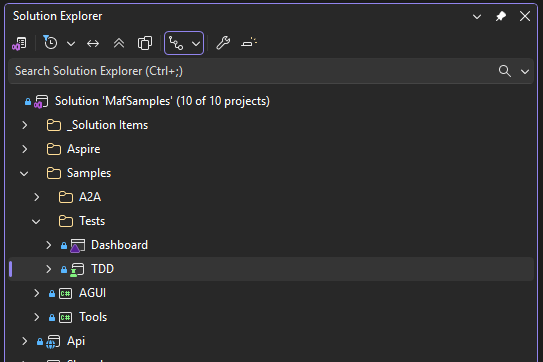
The project can be started from the command line, so it runs in the background accepting telemetry data, while you code, debug and run your tests.
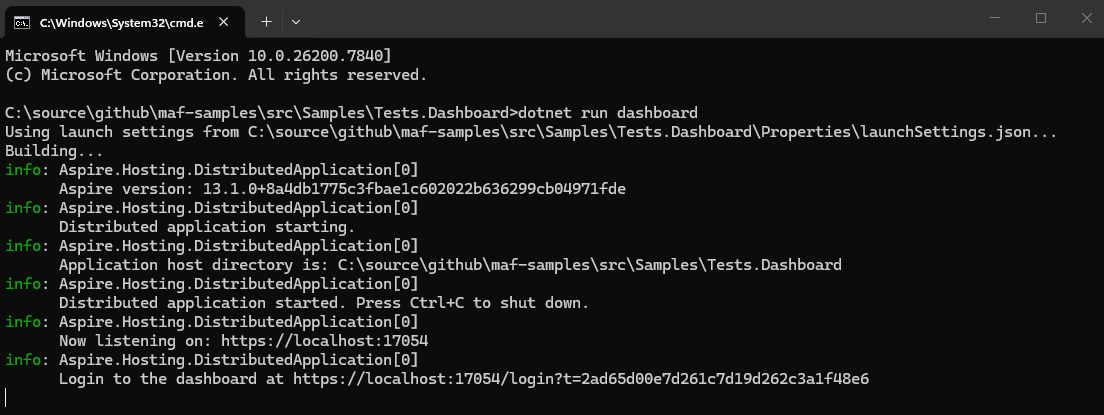
The dashboard is launched by clicking the provided Url.
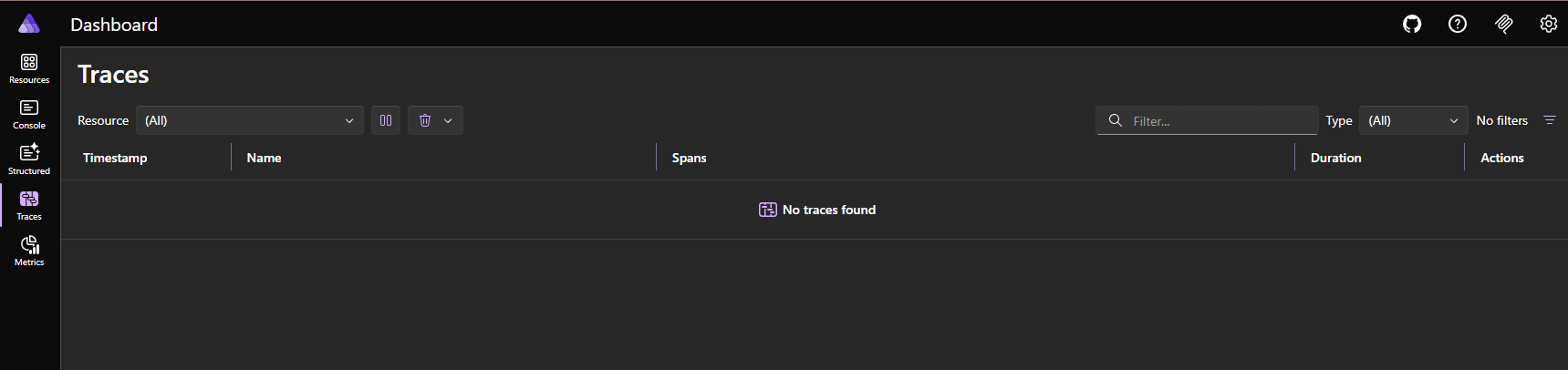
We are now ready to send telemetry data.
Tracing Microsoft Agent Framework Agents
This helper class creates a Trace Provider from a config file and adds the source.
public static class TelemetryHelper
{
    private static TracerProvider? _tracerProvider;

    public static void Initialize(IOptions<AspireDashboardSettings> settings)
    {
        var dashboardSettings = settings.Value;

        _tracerProvider = Sdk.CreateTracerProviderBuilder()
            .SetResourceBuilder(ResourceBuilder.CreateDefault()
                .AddService("TDD"))
            .AddSource("TDD*")
            .AddOtlpExporter(options =>
            {
                options.Endpoint = new Uri(dashboardSettings.OtlpEndpoint);
                options.Protocol = OpenTelemetry.Exporter.OtlpExportProtocol.Grpc;
                options.Headers = $"x-otlp-api-key={dashboardSettings.OtlpApiKey}";
            })
            .Build();
    }

    public static void Dispose()
    {
        _tracerProvider?.Dispose();
    }
}
The Trace Provider is initialized in the test class.
public TelemetryAgentTests()
{
    TelemetryHelper.Initialize(SettingsHelper.GetAspireDashboardSettings());
}

public void Dispose()
{
    TelemetryHelper.Dispose();
}
And then we can run out agent test with Telemetry.
  [Fact]
  public async Task PlanningAgent_ShouldRequestMissingInformationToolCall_WhenTravelPlanIsIncomplete()
  {
      var agent = await AgentFactoryHelper.CreateMockPlanningAgent();

      var chatMessage = TravelPlanHelper.CreateTravelPlanMessage(_travePlanState);

      var activity =  AgentTelemetry.Start(chatMessage.Text);

      var response = await agent.RunAsync(chatMessage);

      foreach (var functionCallContent in response.FunctionCalls())
      {
          using var toolActivity =
            AgentTelemetry.ToolCall(
            functionCallContent.Name,
            functionCallContent.Arguments?[ToolCallArgumentKey],
            activity);
      }

      activity?.Dispose();

      response.FunctionCalls()
          .Should().HaveCount(1).And
          .ShouldContainCall(RequestInformationToolName).And
          .ShouldHaveArgumentKey(ToolCallArgumentKey).And
          .ShouldHaveArgumentOfType<RequestInformationDto>(ToolCallArgumentKey).And
          .ShouldHaveRequiredInputs(ToolCallArgumentKey, _expectedKeys.Count, _expectedKeys);
  }
Viewing the Aspire Dashboard Results
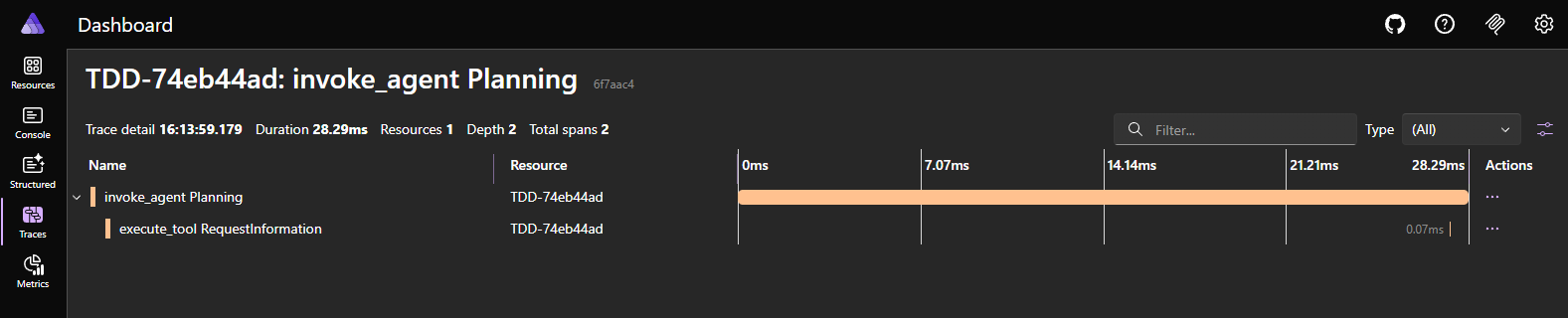
The test outputs a root level activity to the dashboard.
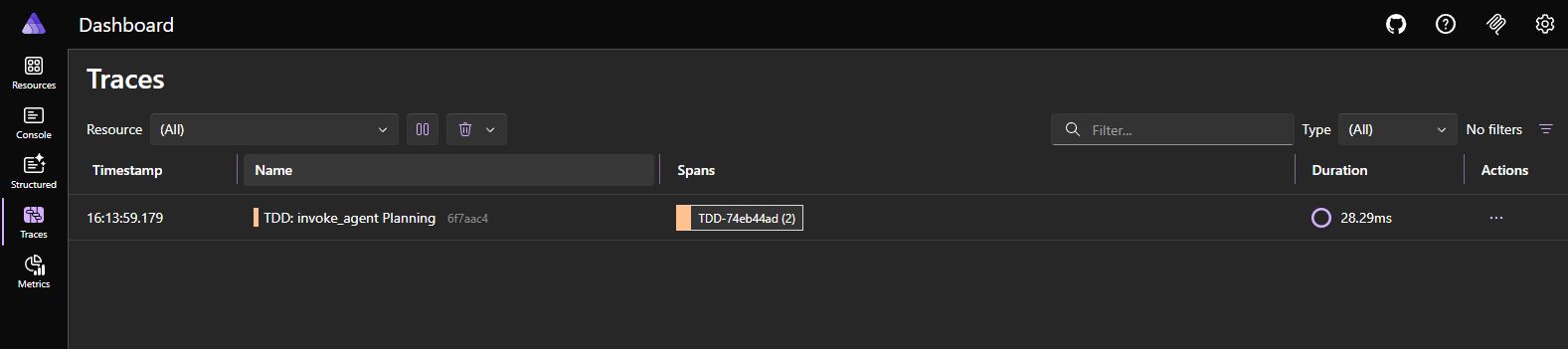
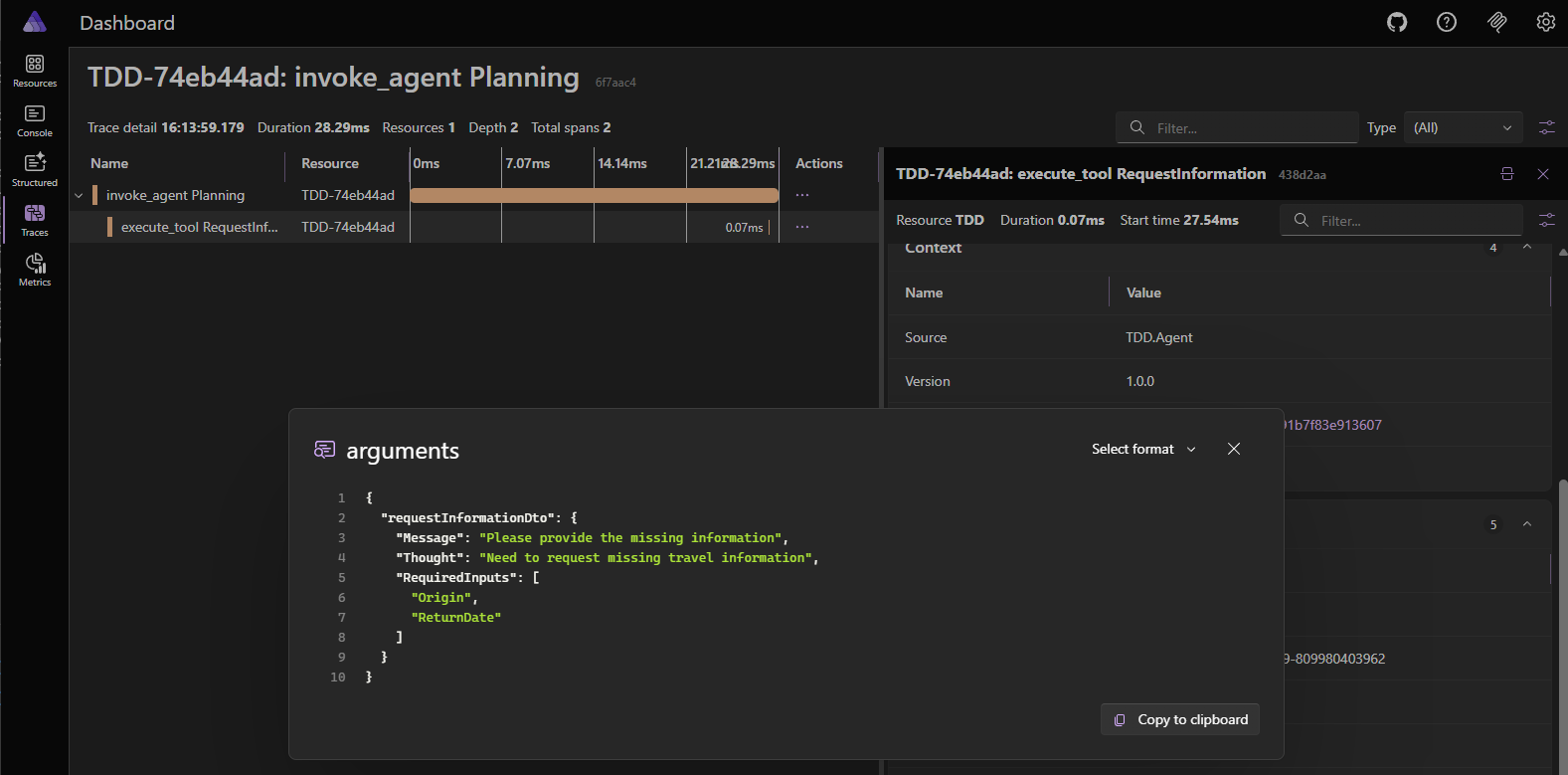
Which we can then drill down on to examine the tool call.
And finally view the tool call arguments event.
Until Next Time
While the telemetry use case here is not complex, it establishes observability early.
If you’ve worked in software development for any length of time, you’ve likely encountered the observability retrofit. Telemetry, treated as an afterthought, gets Frankensteined into a production code base once race conditions and bugs begin to surface.
It doesn’t have to be this way if you build observability in from day one.
In Part 3, we build on this example by running our tests with data sets instead of hard-coded values.
You can get the code sample here